Introduction
Most Android users install the same apps again and again: WhatsApp, Instagram, YouTube, Chrome, Spotify, and a few games. But Android has a hidden world of powerful apps that can make your phone faster, smarter, cleaner, and more useful.
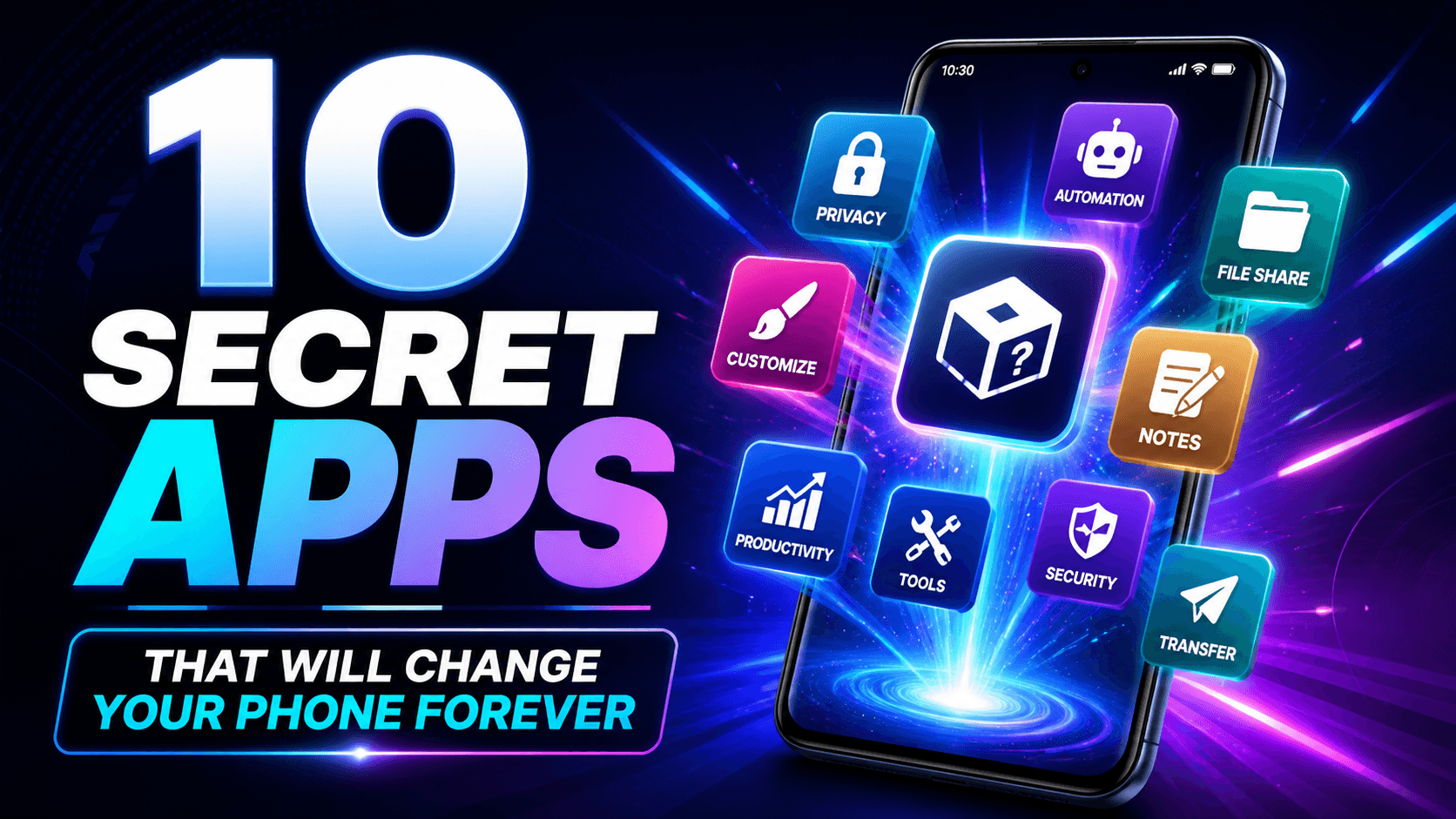
In this article, we’ll explore 10 secret apps that will change your phone forever. These are not random apps. Each one solves a real problem, whether it is file sharing, privacy, automation, customization, notes, notifications, or daily productivity.
Some are available on Google Play, while others are popular among Android power users through open-source platforms like F-Droid, which is known for free and open-source Android apps. (F-Droid)
Let’s start.
1. LocalSend – Share Files Without Internet
Best for: Fast file sharing
Category: File Transfer
Why it feels secret: Works like AirDrop for Android, Windows, Mac, Linux, and iPhone
LocalSend is one of the most useful Android apps many people still don’t know about. It lets you share photos, videos, APK files, documents, and folders between devices without needing internet.
You don’t need WhatsApp compression. You don’t need a USB cable. You don’t need to upload anything to cloud storage.
LocalSend works on your local network and supports encrypted peer-to-peer sharing. The app is also cross-platform, which means you can transfer files from Android to PC, Android to iPhone, or laptop to phone. Its official listing describes it as an offline-first file transfer solution with encrypted nearby sharing. (Google Play)
Key Features
Transfer files without internet
Works across Android, iOS, Windows, macOS, and Linux
No login required
No cloud upload
Great for sharing large videos
Why You Should Try It
If you often send files from phone to laptop, LocalSend can save a lot of time. For students, creators, office users, and YouTubers, this app is a must-have.
2. Niagara Launcher – A Cleaner Home Screen
Best for: Minimal phone setup
Category: Launcher
Why it feels secret: Makes your phone look premium and distraction-free
Most Android launchers add more icons, more widgets, and more clutter. Niagara Launcher does the opposite.
It gives your phone a clean vertical layout where your most-used apps stay front and center. Instead of scrolling through messy app pages, you can quickly access apps using an alphabet sidebar.
Niagara Launcher is listed on Google Play as a minimalist launcher focused on productivity, customization, themes, widgets, wallpapers, and a clutter-free home screen. (Google Play)
Key Features
Minimal home screen
Easy one-hand use
Smart app list
Clean notification view
Custom themes and icons
Why You Should Try It
If your phone feels crowded, Niagara Launcher can completely change the way you use Android. It makes your home screen feel modern, simple, and focused.
3. Shizuku – Unlock Advanced Android Features
Best for: Advanced Android users
Category: System Utility
Why it feels secret: Gives supported apps deeper system access without full root
Shizuku is not for everyone, but Android power users love it. It allows certain apps to use advanced Android permissions without needing full root access.
This can help apps perform actions that normal Android apps cannot do easily, such as advanced file management, app control, system tweaks, and deeper customization.
Key Features
Works without traditional root
Helps supported apps unlock advanced functions
Useful for power users
Great for customization tools
Safer than random root methods when used carefully
Important Note
Shizuku should be used only if you understand Android permissions. Do not give advanced access to unknown or suspicious apps.
Why You Should Try It
If you love tweaking Android and want more control over your phone, Shizuku can open a new level of customization.
4. BuzzKill – Control Annoying Notifications
Best for: Notification management
Category: Productivity
Why it feels secret: Lets you create smart rules for notifications
Android notifications can become irritating very quickly. Some apps send too many alerts. Some notifications repeat again and again. Some messages are important, while others are pure distraction.
BuzzKill helps you control notifications using rules.
For example, you can:
Mute repeated notifications
Auto-dismiss low-priority alerts
Highlight important messages
Create custom vibration patterns
Delay notifications from distracting apps
Key Features
Smart notification rules
Auto mute repeated alerts
Custom alerts for important messages
Great for WhatsApp, Gmail, Telegram, and work apps
Helps reduce phone addiction
Why You Should Try It
If your phone keeps disturbing you during work, study, or sleep, BuzzKill can make your notification experience much calmer.
5. KDE Connect – Connect Android With PC
Best for: Phone-PC connection
Category: Productivity
Why it feels secret: Turns your Android phone into a smart companion for your computer
KDE Connect is one of the best apps for people who use both phone and computer daily.
It lets you connect your Android phone with your PC to share files, receive notifications, control media, use your phone as a remote, and even send links between devices.
Key Features
Share files between phone and PC
See phone notifications on computer
Use phone as a presentation remote
Control music on your PC
Send clipboard text across devices
Why You Should Try It
If you work on a laptop and constantly pick up your phone, KDE Connect can reduce that friction. It feels like your phone and computer finally understand each other.
6. Universal Copy – Copy Text From Anywhere
Best for: Copying blocked text
Category: Utility
Why it feels secret: Copies text from apps that normally don’t allow copying
Sometimes you want to copy text from Instagram captions, YouTube comments, images, apps, or locked screens, but Android does not allow it.
Universal Copy solves this problem.
It can detect text on your screen and let you copy it easily. This is very useful for students, researchers, content writers, and anyone who saves useful information from apps.
Key Features
Copy text from almost any app
Useful for captions, comments, and app screens
Helps save quotes, numbers, and notes
Simple floating shortcut
Saves time while researching
Why You Should Try It
Once you use Universal Copy, you will wonder why Android does not have this feature built in everywhere.
7. MacroDroid – Automate Your Phone
Best for: Phone automation
Category: Productivity
Why it feels secret: Makes your phone perform actions automatically
MacroDroid is like giving your Android phone a brain.
You can create simple automation rules called macros. For example:
Turn on Wi-Fi when you reach home
Send an auto-reply while driving
Reduce brightness at night
Launch music when headphones connect
Enable silent mode during meetings
Key Features
Easy automation builder
No coding required
Works with triggers and actions
Saves battery and time
Great for daily routines
Why You Should Try It
If you repeat the same phone actions every day, MacroDroid can automate them. It is one of the most practical secret Android apps for productivity.
8. Fossify Gallery – A Clean Gallery App
Best for: Private photo management
Category: Photos
Why it feels secret: Simple, lightweight, and open-source
Many default gallery apps are full of cloud prompts, ads, AI suggestions, and unwanted features. Fossify Gallery keeps things simple.
It gives you a clean photo and video gallery without unnecessary distractions. It is useful for users who want a lightweight gallery app that focuses on local media.
Key Features
Clean photo gallery
Works offline
Lightweight design
Good for private local media
Simple albums and media management
Why You Should Try It
If your current gallery app feels heavy or annoying, Fossify Gallery is a clean alternative worth checking out.
9. Aurora Store – Explore Play Store Apps Differently
Best for: App discovery
Category: App Store Tool
Why it feels secret: Lets users search and update Play Store apps through a FOSS client
Aurora Store is popular among privacy-focused Android users. It is an unofficial open-source client for Google Play that lets users search, download, and update apps in a different way.
F-Droid describes Aurora Store as an unofficial FOSS client to Google Play that can work with or without Google Play Services or microG. (F-Droid)
Key Features
Search Play Store apps
Open-source design
Useful for privacy-focused users
Can work without Google Play Services
Clean app discovery experience
Important Note
Use Aurora Store responsibly. For most users, Google Play remains the safest and easiest way to install apps.
Why You Should Try It
If you like exploring open-source Android tools and want more control over app discovery, Aurora Store is worth knowing about.
10. FairEmail – Powerful Email Without Tracking Overload
Best for: Privacy-focused email
Category: Email
Why it feels secret: Gives advanced email control in a lightweight package
FairEmail is a strong alternative for users who want a serious email app without unnecessary tracking, heavy design, or confusing features.
It supports multiple email accounts and is especially useful for people who care about privacy, control, and clean inbox management.
Key Features
Supports multiple email accounts
Privacy-friendly design
Advanced filters and controls
Lightweight compared to many email apps
Great for work and personal email
Why You Should Try It
If Gmail feels too crowded or you want more control over your inbox, FairEmail is a smart alternative.
Bonus: Samsung Good Lock for Galaxy Users
If you use a Samsung Galaxy phone, Good Lock is almost like a hidden treasure box.
It lets you customize your lock screen, quick settings, navigation gestures, keyboard, home screen, multitasking, and more. Android Central describes Good Lock as a powerful customization suite with many modules for lock screen, notification panel, navigation, screenshots, keyboard, routines, and multitasking tweaks. (Android Central)
This app is mainly useful for Samsung users, but if you have a Galaxy phone, you should definitely explore it.
Why These Secret Apps Matter
These apps are not just “cool.” They solve real problems.
They help you:
Share files faster
Reduce distractions
Customize your phone
Improve privacy
Automate daily tasks
Copy text easily
Connect phone and PC
Manage photos and emails better
The best part is that most of these apps are lightweight and focused. They don’t try to do everything. They do one job well.
That is why they feel better than many popular apps.
Pros and Cons of Using Secret Android Apps
Pros
You discover useful features before others
Many apps improve productivity
Some apps offer better privacy
Your phone feels fresh again
Great for power users and creators
Cons
Some apps need extra setup
Advanced tools may confuse beginners
Not every app is available in every region
Some open-source apps may need manual updates
You must download only from trusted sources
Safety Tips Before Installing Lesser-Known Apps
Secret apps are exciting, but safety matters.
Follow these basic tips:
Prefer Google Play, official websites, or trusted open-source stores
Avoid random APK files from unknown websites
Check app permissions before installing
Read recent reviews
Avoid apps that ask for unnecessary access
Keep your phone updated
A powerful app is useful only when it is safe.
FAQs
1. What are secret Android apps?
Secret Android apps are lesser-known apps that offer powerful features most users don’t know about. They are not necessarily hidden or illegal. They are simply underrated apps that can improve your phone experience.
2. Are these apps safe to use?
Most apps on this list are trusted by Android users, but you should always download from safe sources like Google Play, F-Droid, official websites, or verified app pages.
3. Which secret app is best for file sharing?
LocalSend is one of the best options for file sharing because it works without internet and supports multiple platforms.
4. Which app can make my Android phone look better?
Niagara Launcher is a great choice if you want a clean, modern, and minimal home screen.
5. Which app is best for automation?
MacroDroid is one of the easiest Android automation apps because it lets you create smart actions without coding.
Final Verdict
These 10 secret apps that will change your phone forever are perfect for users who want more than the usual Android experience.
If you want a cleaner phone, try Niagara Launcher.
If you share files daily, install LocalSend.
If notifications disturb you, use BuzzKill.
If you love automation, explore MacroDroid.
If you want more privacy and control, check out Fossify Gallery, FairEmail, and Aurora Store.
Your Android phone is already powerful. These apps simply unlock what it can really do.
Worth checking out if you want your phone to feel new again.