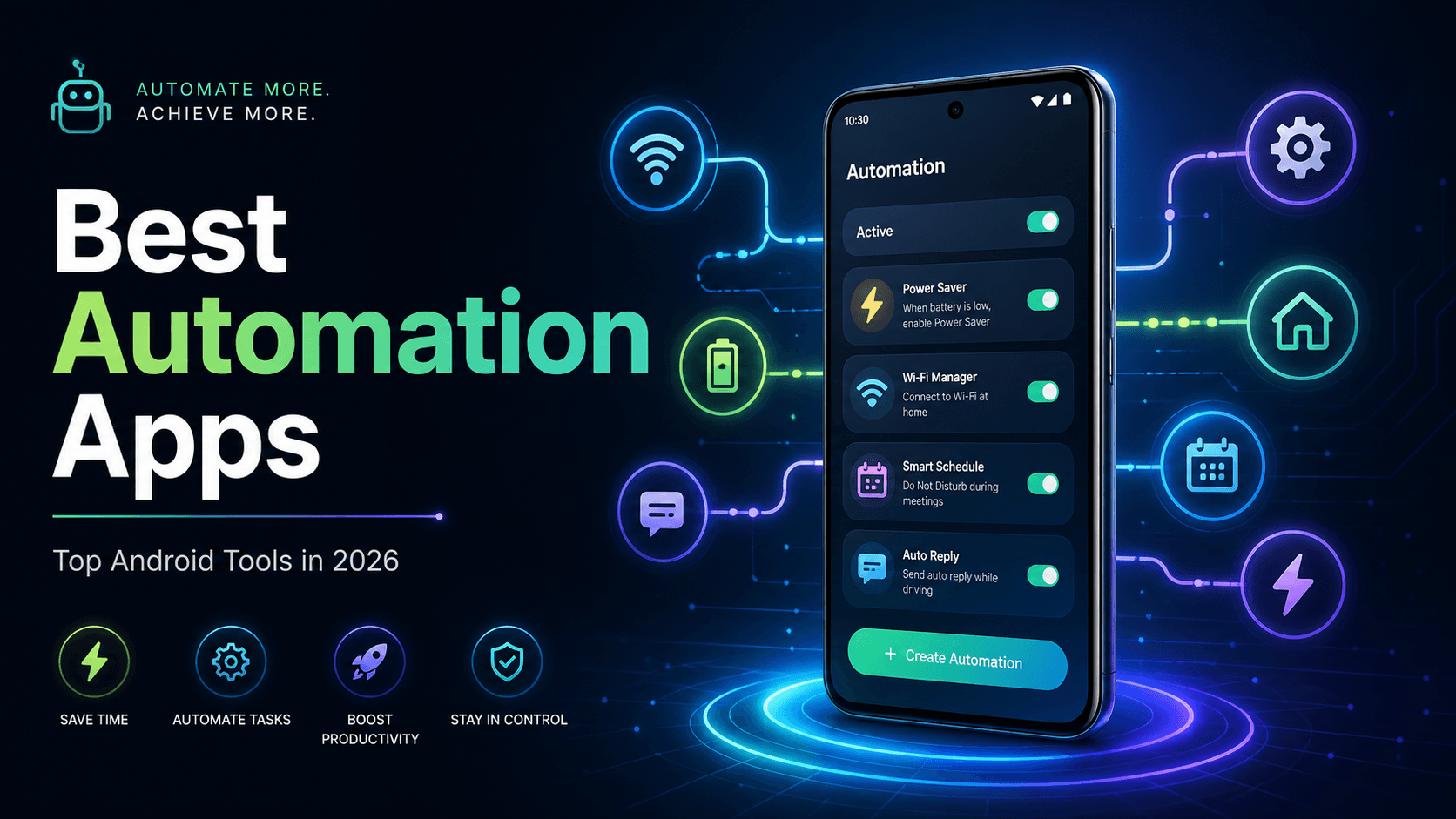
Automation apps can make your Android phone feel truly smart. Instead of repeating the same tasks every day, you can set rules once and let your phone handle them automatically.
From turning on Wi-Fi at home to sending auto-replies, changing sound profiles, backing up files, or controlling smart devices, the best automation apps can save time and improve productivity.
Here are the top Android automation apps worth trying in 2026.
1. Tasker
Best for: Advanced Android users
Tasker is still one of the most powerful Android automation apps. It lets you create custom actions based on time, location, app activity, device state, events, and more. Tasker supports deep automation and third-party plugins, making it ideal for users who want full control over their phone. (Wikipedia)
Key Features
Create advanced automation profiles
Trigger actions by time, location, app, or event
Supports plugins
Great for power users
Highly customizable
Best Use Cases
Auto-enable silent mode at work
Turn on battery saver below a set percentage
Send custom alerts
Control smart home actions
Create complex phone routines
Pros
Extremely powerful
Great plugin support
Works for complex workflows
Cons
Not beginner-friendly
Takes time to learn
Verdict: Choose Tasker if you want maximum control and do not mind learning.
2. MacroDroid
Best for: Beginners
MacroDroid is one of the easiest Android automation apps. It uses a simple system: Trigger → Action → Constraint. This makes it easier to understand compared to Tasker. According to its Google Play listing, MacroDroid has over 20 million downloads and is designed to automate tasks in just a few taps. (Google Play)
Key Features
Beginner-friendly interface
Ready-made automation templates
Trigger, action, and constraint system
Supports many Android actions
Works with Tasker/Locale plugins
Best Use Cases
Auto-turn Wi-Fi on/off
Read notifications aloud
Send SMS when battery is low
Launch music when headphones connect
Auto-reply while driving
Pros
Easy to use
Good for non-technical users
Many templates available
Cons
Not as advanced as Tasker
Some features may need premium access
Verdict: MacroDroid is the best automation app for users who want simple setup without technical confusion.
3. Automate
Best for: Visual workflow automation
Automate by LlamaLab is perfect for people who like flowcharts. Instead of creating text-heavy rules, you build automation flows visually. Its Play Store listing highlights tasks like managing files, backups, messages, phone calls, device settings, online content, and scheduled actions. (Google Play)
Key Features
Flowchart-style automation
Supports files, messages, calls, and settings
Can run scheduled tasks
Good balance between power and simplicity
Useful for visual thinkers
Best Use Cases
Auto-backup files
Schedule phone settings
Create multi-step routines
Manage Bluetooth and Wi-Fi actions
Automate app-based tasks
Pros
Visual and logical interface
Easier than Tasker for many users
Powerful enough for advanced workflows
Cons
Flowcharts may feel confusing at first
Some workflows need testing
Verdict: Automate is great if you want powerful automation but prefer a visual builder.
4. IFTTT
Best for: Smart home and online service automation
IFTTT means If This Then That. It connects apps, websites, smart home devices, and services together. Its Google Play listing says it supports 1000+ popular business, personal, and smart home apps, with a community of almost 30 million creators. (Google Play)
Key Features
Connects apps and online services
Works with smart home devices
No-code automation
Supports business and productivity workflows
Easy applet-based setup
Best Use Cases
Save Instagram posts to cloud storage
Turn lights on with phone location
Get weather alerts
Connect Google services
Automate smart home routines
Pros
Very easy to use
Great for online automation
Strong smart home support
Cons
Less control over deep Android settings
Some applets may require paid plans
Verdict: IFTTT is best for users who want to connect Android with online services and smart devices.
5. E-Robot
Best for: Advanced rule-based automation
E-Robot is another powerful Android automation app for users who want detailed control. It allows automation through events, conditions, and commands. It is not as beginner-friendly as MacroDroid, but it can be useful for users who enjoy fine-tuning phone behavior.
Key Features
Event-based automation
Multiple conditions and commands
Good for advanced users
Lightweight interface
Useful for technical workflows
Best Use Cases
Change settings by location
Trigger actions based on phone events
Create custom automation rules
Build battery-saving routines
Pros
Flexible
Good for detailed automation
Useful alternative to Tasker
Cons
Interface feels old
Not ideal for beginners
Verdict: E-Robot is worth checking out if you want an advanced automation tool beyond the popular names.
6. Action Blocks
Best for: Simple one-tap actions
Action Blocks by Google is not a full automation app like Tasker or MacroDroid, but it is useful for creating simple shortcuts. You can place custom action buttons on your home screen and use them for quick tasks.
Key Features
Create home screen action buttons
Useful for accessibility
Works with Google Assistant commands
Simple and clean interface
Best Use Cases
Call a contact with one tap
Send a quick message
Open navigation
Run simple Assistant actions
Pros
Very simple
Good for elderly users
Helpful accessibility tool
Cons
Limited automation power
Not made for complex workflows
Verdict: Action Blocks is best for simple, one-tap Android shortcuts.
7. Bixby Routines / Modes and Routines
Best for: Samsung users
Samsung phones come with built-in automation through Modes and Routines. It is one of the most underrated automation tools because it does not need a separate app.
Key Features
Built into Samsung phones
Automate phone settings
Works with location, time, device state, and apps
Easy to use
No extra installation needed
Best Use Cases
Turn on silent mode at college or office
Enable battery saver at night
Open Spotify when earbuds connect
Change lock screen by mode
Auto-enable driving mode
Pros
Free and built-in
Beginner-friendly
Works smoothly on Samsung devices
Cons
Only for Samsung phones
Less advanced than Tasker
Verdict: Samsung users should try Modes and Routines before installing any third-party automation app.
8. Google Home
Best for: Smart home automation
Google Home is useful if your automation needs are focused on smart devices. You can create routines for lights, speakers, plugs, thermostats, cameras, and more.
Key Features
Smart home routines
Voice-based automation
Works with Google Assistant
Supports many smart devices
Easy routine setup
Best Use Cases
Turn off lights at bedtime
Start morning routine
Control appliances with voice
Automate home devices by time
Manage connected rooms
Pros
Great for smart homes
Easy voice control
Works well with Google ecosystem
Cons
Not for deep phone automation
Needs compatible smart devices
Verdict: Google Home is the best option if your main goal is smart home automation.
Quick Comparison Table
App | Best For | Difficulty | Ideal User |
|---|---|---|---|
Tasker | Advanced automation | Hard | Power users |
MacroDroid | Easy phone automation | Easy | Beginners |
Automate | Flowchart workflows | Medium | Visual users |
IFTTT | App and web automation | Easy | Smart home users |
E-Robot | Rule-based control | Medium/Hard | Advanced users |
Action Blocks | One-tap shortcuts | Easy | Basic users |
Samsung Modes and Routines | Samsung automation | Easy | Samsung users |
Google Home | Smart home routines | Easy | Smart home users |
Which Automation App Should You Choose?
For most Android users, MacroDroid is the best starting point. It is simple, practical, and powerful enough for daily use.
Choose Tasker if you want the most advanced Android automation app.
Choose Automate if you prefer visual flowcharts.
Choose IFTTT if you want to connect Android with apps, websites, and smart home devices.
Choose Samsung Modes and Routines if you use a Samsung phone and want free built-in automation.
FAQs
What is the best automation app for Android?
Tasker is the most powerful automation app for Android, but MacroDroid is better for beginners. Automate is a good choice for users who prefer flowchart-style workflows.
Is MacroDroid better than Tasker?
MacroDroid is easier to use, while Tasker is more powerful. Beginners should start with MacroDroid, but advanced users may prefer Tasker.
Can automation apps save battery?
Yes, automation apps can help save battery by turning off Wi-Fi, Bluetooth, GPS, or background actions when they are not needed. However, poorly configured automations may also use battery.
Are Android automation apps safe?
Most popular automation apps are safe when downloaded from trusted sources. Always check permissions before using any automation app because many of them need access to device settings, notifications, location, or SMS.
Which automation app is best for Samsung phones?
Samsung’s built-in Modes and Routines is the best first choice for Samsung users. It is free, simple, and works smoothly with Samsung system features.
Final Verdict
The best automation app depends on your comfort level.
For beginners, MacroDroid is the easiest choice. For advanced users, Tasker is still the king. For visual workflows, Automate is excellent. For smart home and online services, IFTTT works best.
Try one automation app first, create a few simple routines, and slowly build your setup. Once you get used to it, your Android phone can save time every single day.